
Level 3
Feb 16, 2026 5:38 AM UTC
Question

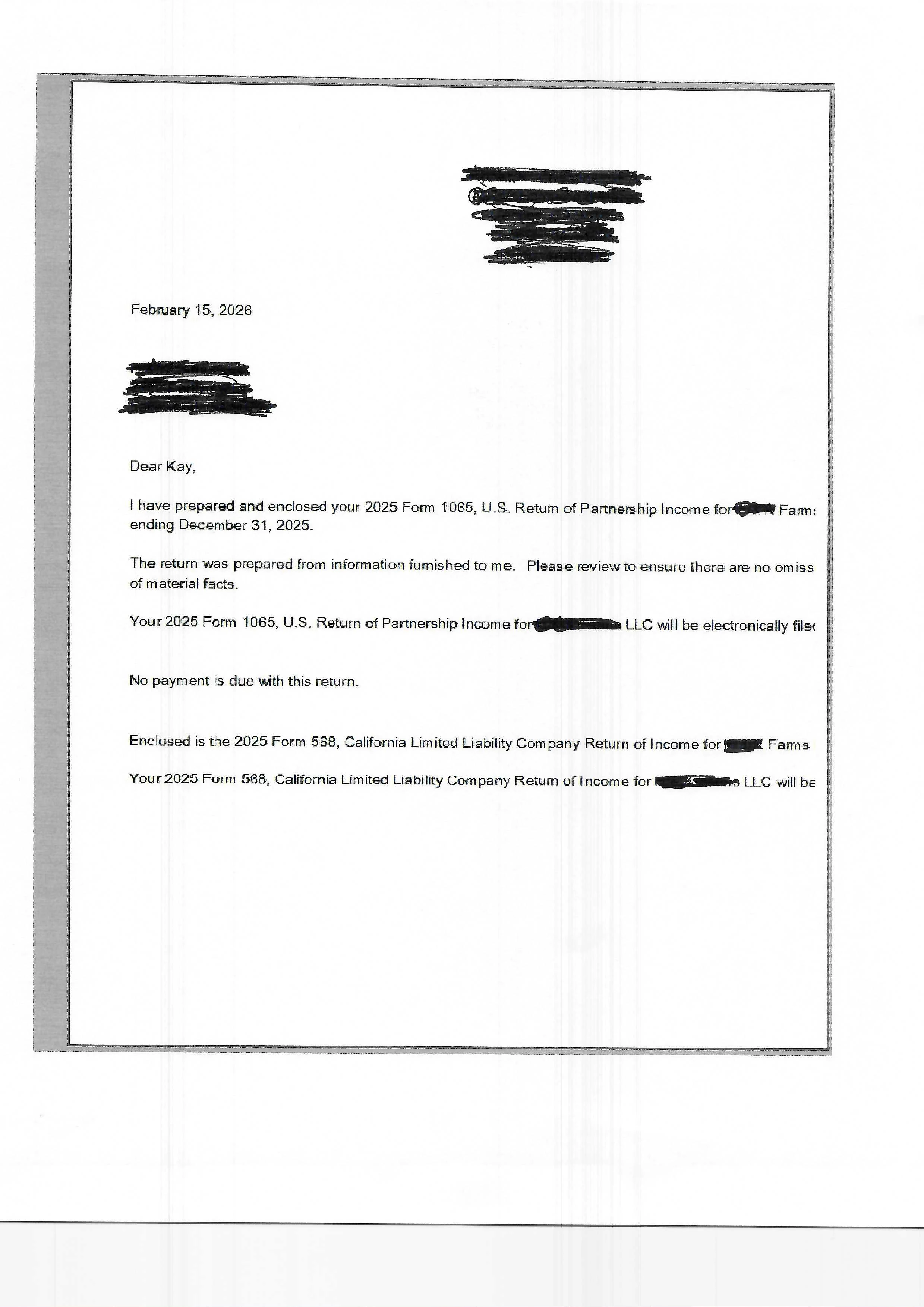
Standard Client Letter is not centered.

The Standard Letter, as well as all the other letters, is not centered on the page. The left and right margins need to be set to fit an 8.5 x 12 inch page. I would like the right and let margins to be set at .5 and the top set at.75 and the bottom at .5. Where is the global setting to make this change for all letters? I should not have to make margin setting individually for each letter and client.
8 replies

BobKamman
Level 15
Feb 16, 2026 6:04 AM UTC
BobV365Author
Level 3
Feb 16, 2026 9:25 AM UTC

Thank you for your response to my question. I opened each of the RTF files in the common folder and a couple of them were set to A4 so I changed them to Letter size, but that did NOT fix my problem. 

This is so frustrating. There should be a simple fix, like a global page setting for all letters. 

Any other solutions?

taxman1
Level 5
Feb 16, 2026 10:25 PM UTC

Hell, I just posted another thread on the same issue !!  🤣  Glad Im not the only one experiencing this.  Sorry Bob

Level 2
Feb 20, 2026 7:54 PM UTC

I had this issue too. After updating and even reinstalling, I checked my printer's settings. It was set to print in landscape instead of portrait. No idea how that changed but it fixed it for me.