
Level 2
February 4, 2022
Question

How to fix my printing issue?

  • February 4, 2022
  • 2 replies
  • 12 views

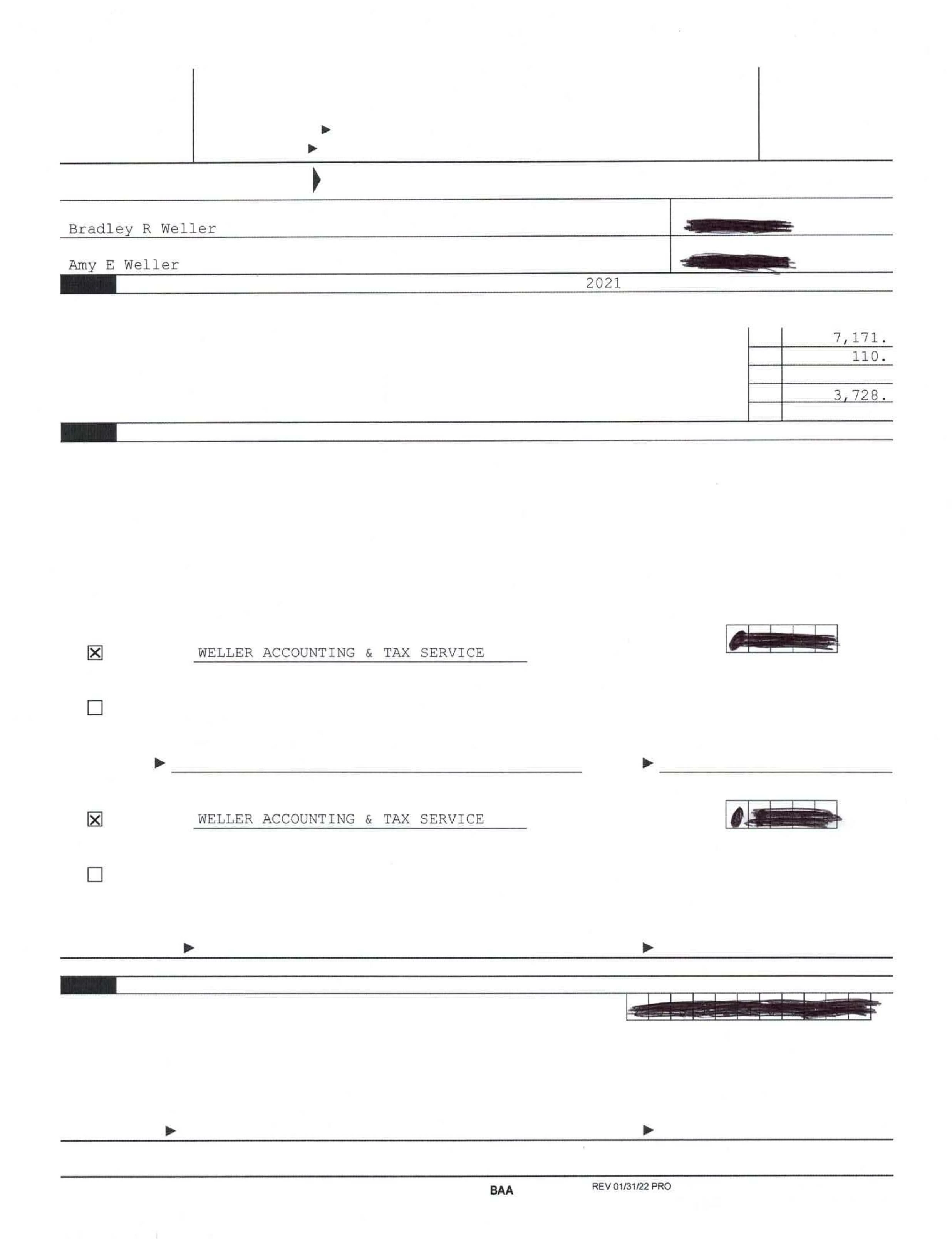
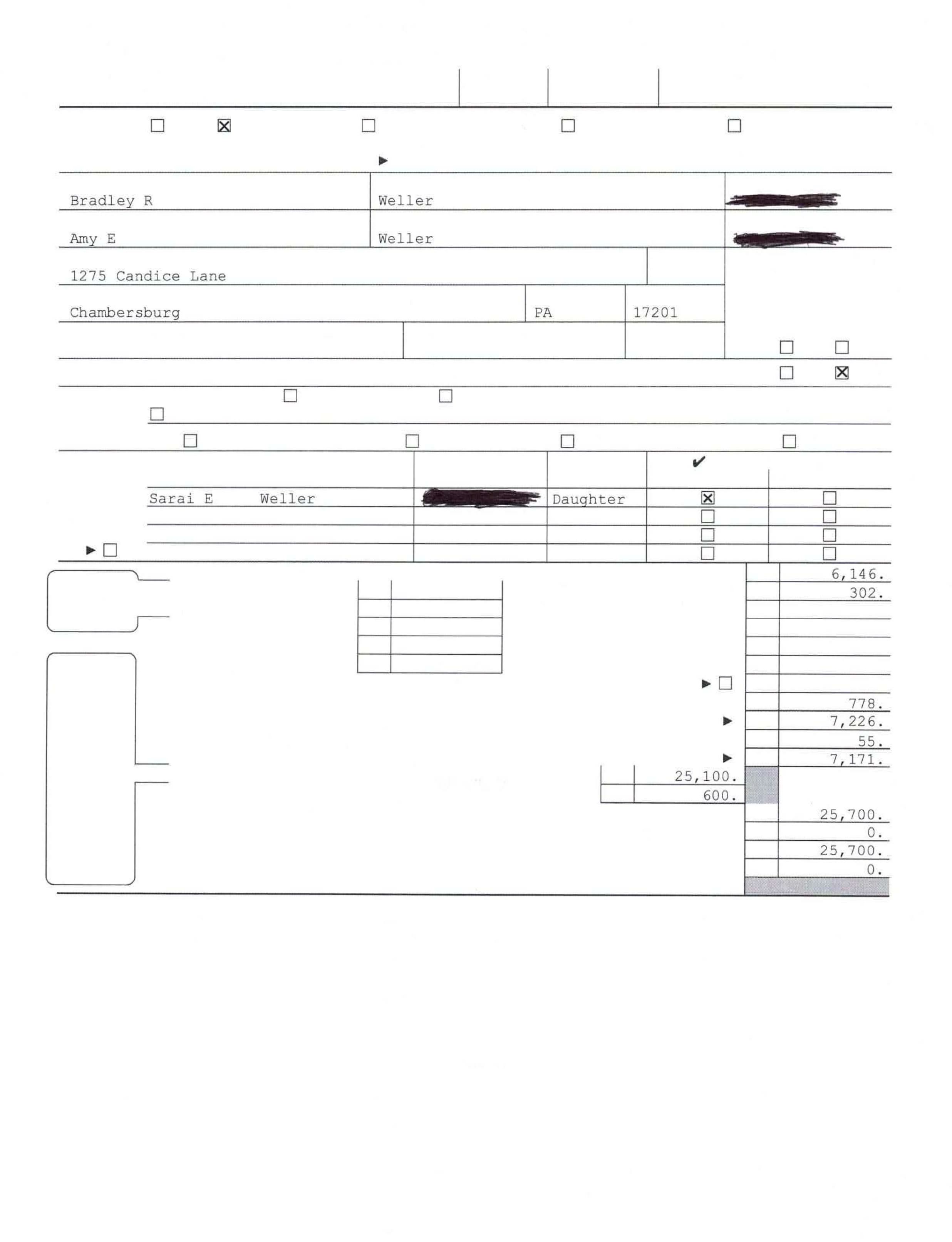
When I attempt to print, my program is just printing a bunch of white space. Some of the boxes are filled in, but all of the text content to the left is just gone. This happens with Preparer, Client, and Filing copies. Any tips on how to fix this?
This topic has been closed for replies.

2 replies

Just-Lisa-Now-
Intuit Community Champion
February 4, 2022
Have you powered off the printer since this began?
♪♫•*¨*•.¸¸♥Lisa♥¸¸.•*¨*•♫♪
BWellerAuthor
Level 2
February 4, 2022

Yeah, I turned it on and off a couple times. It prints word documents and pdfs fine.

Just-Lisa-Now-
Intuit Community Champion
February 4, 2022
If you print to PDF does it look ok?
♪♫•*¨*•.¸¸♥Lisa♥¸¸.•*¨*•♫♪
IntuitAngela_13
Level 6
February 4, 2022

@BWeller If you to go to the File menu and select Print Options, then General Printing, try selecting either the checkbox for Print Text As Graphic or Print As Image and then print. This has been known to resolve these types of print issues.

Just-Lisa-Now-
Intuit Community Champion
February 4, 2022
Angela, what causes these types of issues, does anyone know?
♪♫•*¨*•.¸¸♥Lisa♥¸¸.•*¨*•♫♪
IntuitAngela_13
Level 6
February 4, 2022

@Just-Lisa-Now- Different types of printer drivers can cause these types of printing issues. ProSeries is really picky with the printer drivers it likes to play nice with.


