Monday—Friday, 6 AM to 3 PM PT
ELEVATE 2026 Virtual Conference - May 13-14, 2026 - Free CPE/CE*
Switch to ProConnect Tax with data conversion support
ProConnect Tax supports data conversion from several professional tax software platforms, helping firms of all sizes bring prior client and return data into their new workflow.
Make the switch to Intuit ProConnect Tax in 3 simple steps:

1. First, back up your current data

2. Next, upload your files

3. We email you when the process is complete
We’ve onboarded 10k+ new firms
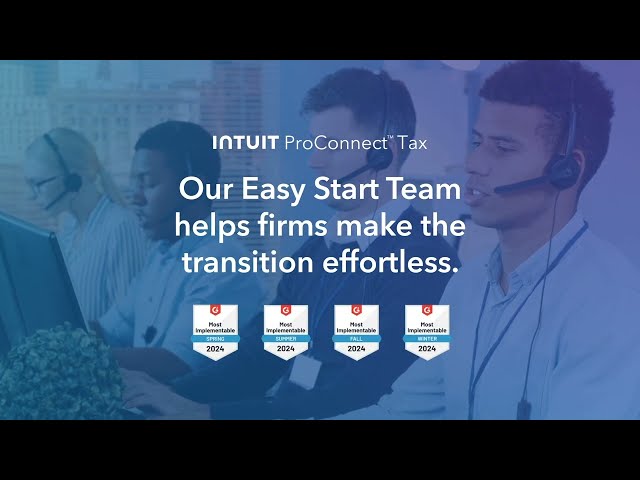
Our team of highly skilled Easy Start pros have streamlined the successful encrypted data transfer for tens of thousands of new firms. Learn more in a quick video:

“It’s easy to implement and get started preparing returns quickly.”
— Verified Intuit ProConnect Tax customer
What data can be converted?
ProConnect Tax supports conversion from several tax software providers. Supported return types vary by provider and may include:
- 1040 individual returns
- 1065 partnership returns
- 1120 corporation returns
- 1120S S corporation returns
- 1041 fiduciary returns
Use the conversion chart below to confirm which return types are supported for your current software:
Our data conversion process supports the following software and modules:
Switch your firm to Intuit ProConnect Tax today
Or call us at 844-591-8071 to speak with a Intuit ProConnect specialist.

Encrypted, automated, easy data conversion
Intuit ProConnect was made for the cloud, so it has powerful encrypted security. Put your mind at ease, client data conversion is completely secure.

Access our Education and Resource Center 24/7
As a Intuit ProConnect customer, you’ll have full access to our library of resources, training, and ongoing support to give you confidence for a successful, secure upgrade.
Frequently asked questions
ProConnect Tax offers a guided data conversion process. Your firm should still review converted data before preparing or filing returns.
Yes. Larger firms can migrate. When they do, they should:
- Confirm which return types are supported
- Assign an internal owner for the conversion
- Create backups before uploading files
- Schedule time for staff review and validation
- Train preparers before peak season
- Plan how their team will manage work in ProConnect Tax after conversion
Not always. Converted items vary by software provider and return type. Review the conversion chart and validate converted data after the process is complete.
Not always. Converted items vary by software provider and return
Some business return types are supported depending on the software you’re converting from. Use the chart on this page to check support for 1065, 1120, 1120S, and 1041 returns.
Data conversion helps reduce manual data entry, preserve access to prior-year information, and make the transition easier for preparers and reviewers. It facilitates:
- Less manual re-entry
- Faster access to prior-year client information
- A smoother transition for preparers and reviewers
- More confidence when switching tax software
- A clearer path from desktop-dependent workflows to online tax preparation




