
Welcome back! Ask questions, get answers, and join our large community of tax professionals.
  • Sign In
  • Elevate 2026 Pencil Banner
    cancel
    Showing results for 
    Search instead for 
    Did you mean: 

    Errors

    ALyon
    Level 3

    Linked two clients.  Both times I get this error:
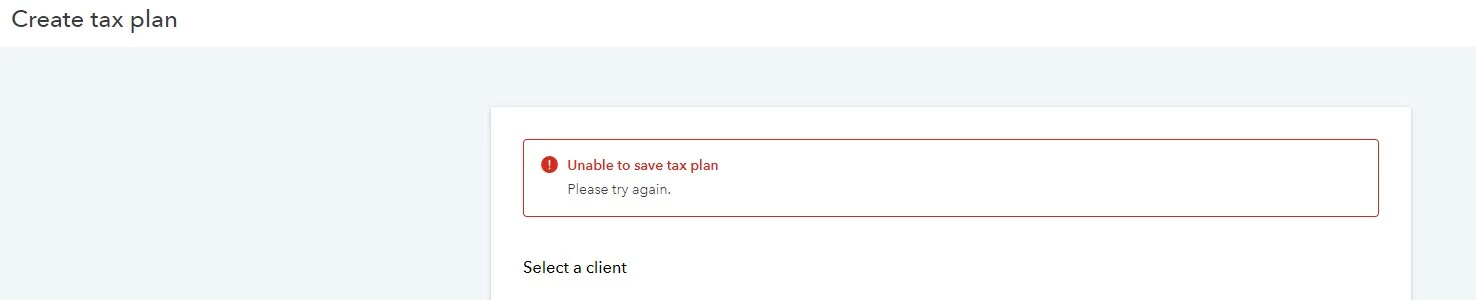
     

    Error1.jpg

    The client does show up under Tax plans though.  

    When I click "View tax plan" I get this error:

    Error2.jpg


    0 Cheers
    4 Comments 4
    Will_Intuit
    Intuit Alumni

    HI @ALyon ,


    When you say you linked two clients, what did you exactly do to achieve this?

    ALyon
    Level 3

    I did a video walkthrough of the steps I did.  Do you have a secure way for me to send you a link to the video?  You will see the exact steps and the errors along the way.

    0 Cheers
    ALyon
    Level 3

    1.  Cloud Sync in Lacerte.

    2.  Select the client in Tax Advisor.

    3.  Create tax plan (first error)

    4.  Go back to my list of clients and the client was added inspite of the error.

    5.  Click on View Tax Plan next to the client and get the second error.

    0 Cheers
    kfisher1
    Employee
    Employee

    Thank you so much for getting us the information we requested. (Data, options and the video too!) The  defect has been created. We will follow up!


